Community Portal - Help function
New: Guided tours (interactive help)
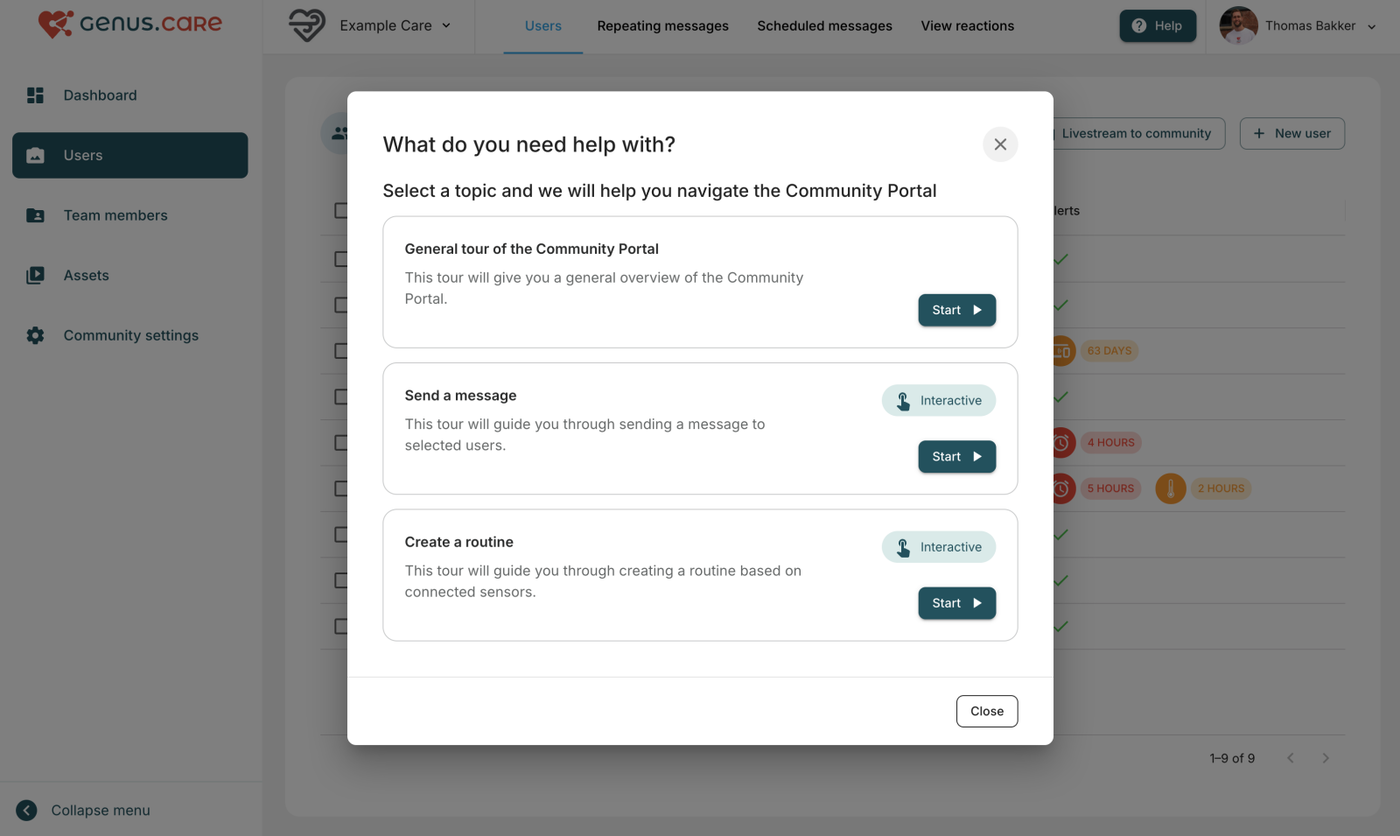
Users can now start guided tours that walk them through common tasks—such as sending a message to a client.
How it works
- The function can be accessed by the new Help button on the top right of the screen
- Tours provide step-by-step instructions directly in the portal
- Each step highlights what to click and where to go next
- The experience is interactive, functioning like a live, in-product demo while you complete the task
Available tours
- Tours are grouped by feature/workflow and can be expanded over time as new guidance is added.