

Smoke detectors and clearer fall alarms
A smoke detector that sounds in an empty flat, or next to someone who cannot get up quickly, has done only half its job. The people who can act on it, family and the care team, need to know straight away. And they need to know even if the power to the Genus has failed or it has lost its connection.
From March 2026 a smoke detector, the smoke sensor (GC-SS200), can be paired with the Genus. When it goes off, the Genus raises an alarm, and the family and the care team receive it like any other alarm. The detector uses the home’s Wi-Fi, so the alarm still reaches them when the Genus is switched off or offline. In the same month, fall alarms from the Genus 4G GPS Button started to say that a fall was detected.
What’s new
- Installers and care professionals pair a smoke detector from the Genus in a few steps.
- Clients see and hear a smoke alarm on the Genus.
- Family members receive the alarm in the Genus app, and care professionals in the Professional App and the Community Portal, following the client’s alarm settings.
- Independent of the Genus. The smoke alarm also gets through when the Genus is switched off or offline.
- Fall alarms from the Genus 4G GPS Button are named Fall detected.
Pairing a smoke detector
Section titled “Pairing a smoke detector”Kees de Boer is fitting a smoke detector in Elisabeth de Vries’s kitchen. He pairs it on her Genus.
Before you start, make sure the detector has power, and have the name and password of the home’s Wi-Fi network ready. Stay close to the Genus with the detector while pairing.
-
On the Genus, open the menu and go to Connect → Devices (sensors) → Add a new device.
-
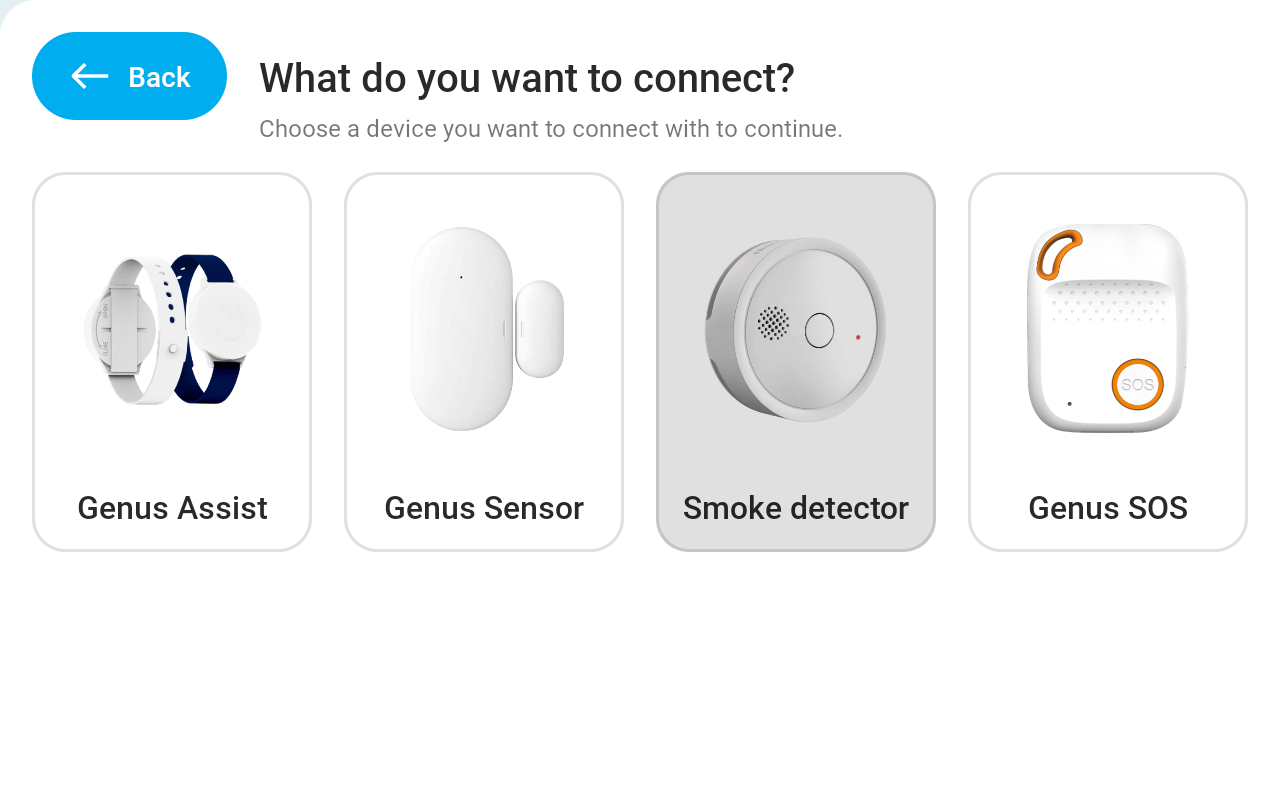
Under What do you want to connect?, choose Smoke detector.
-
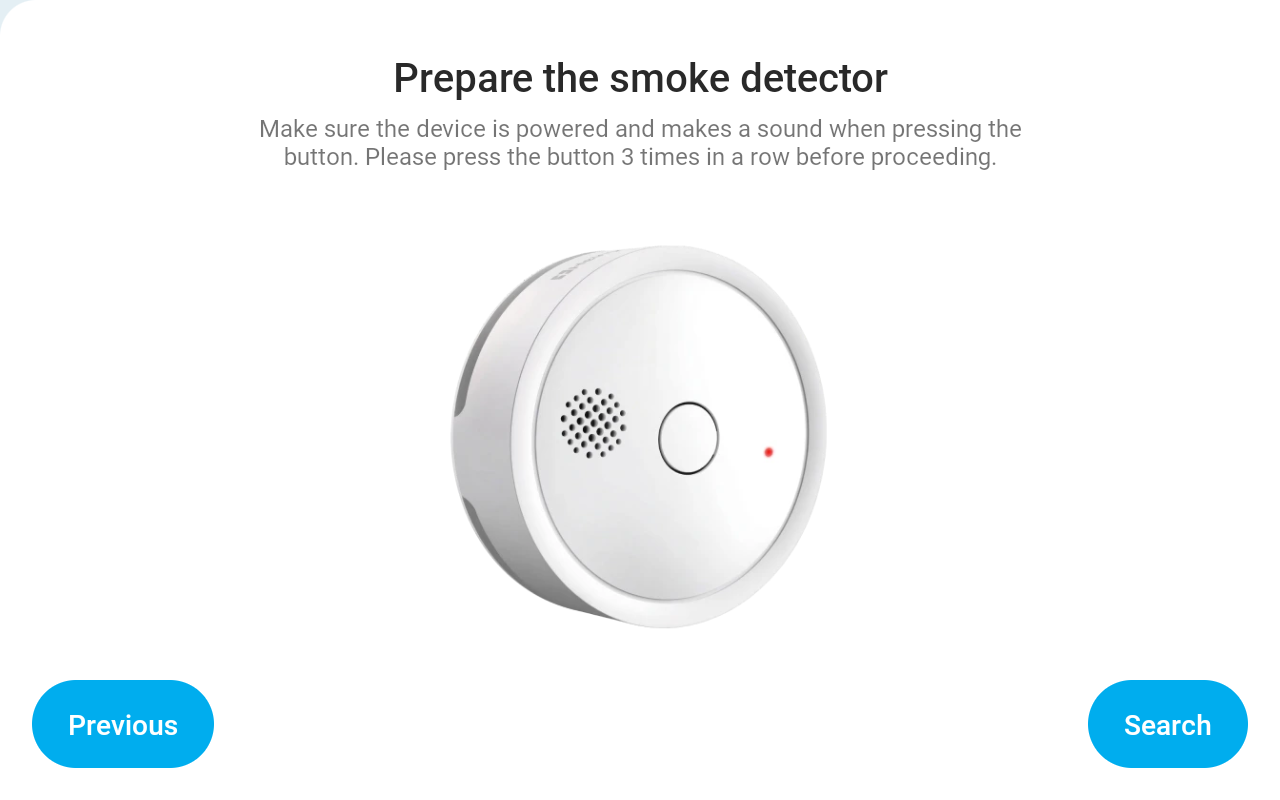
Press the button on the detector three times in a row, quickly, and tap Search.
-
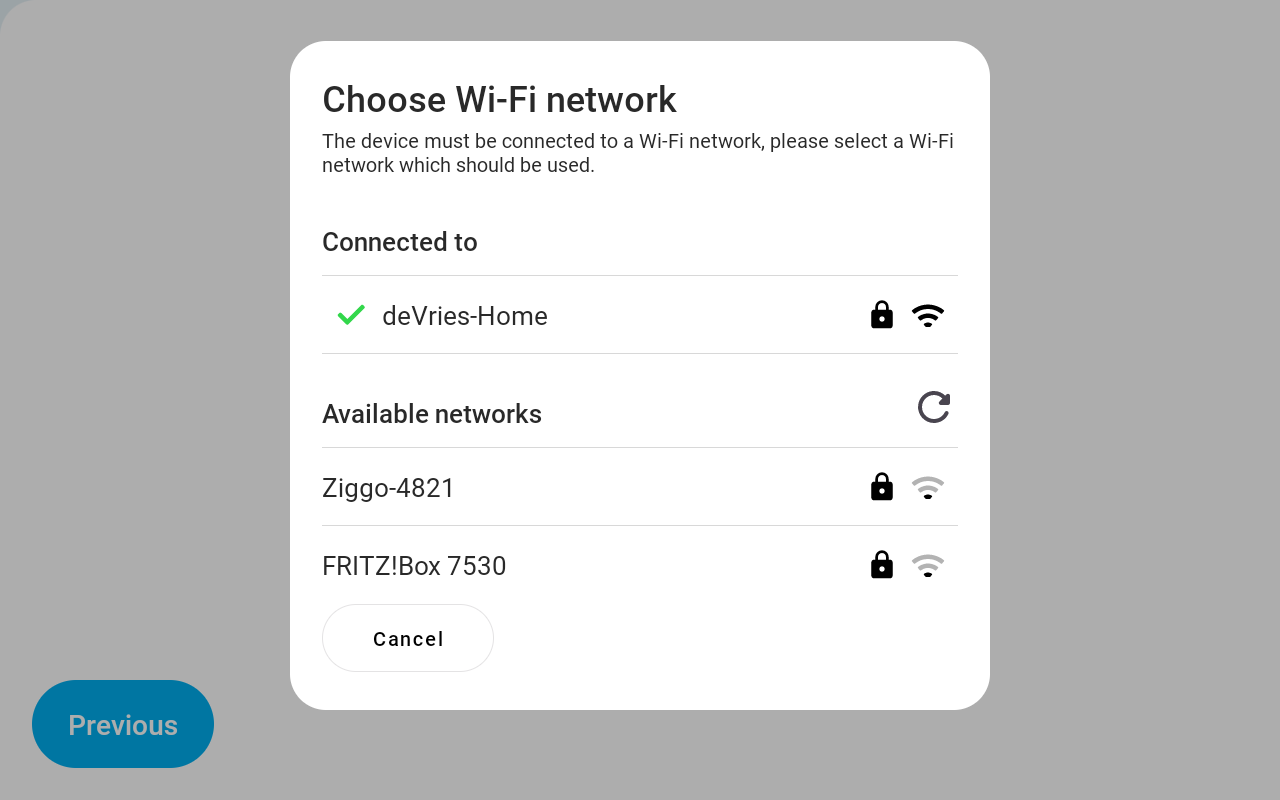
Under Choose Wi-Fi network, pick the home’s network and enter its password.
-
The Genus searches, finds the detector and sets it up. The detector then restarts.
-
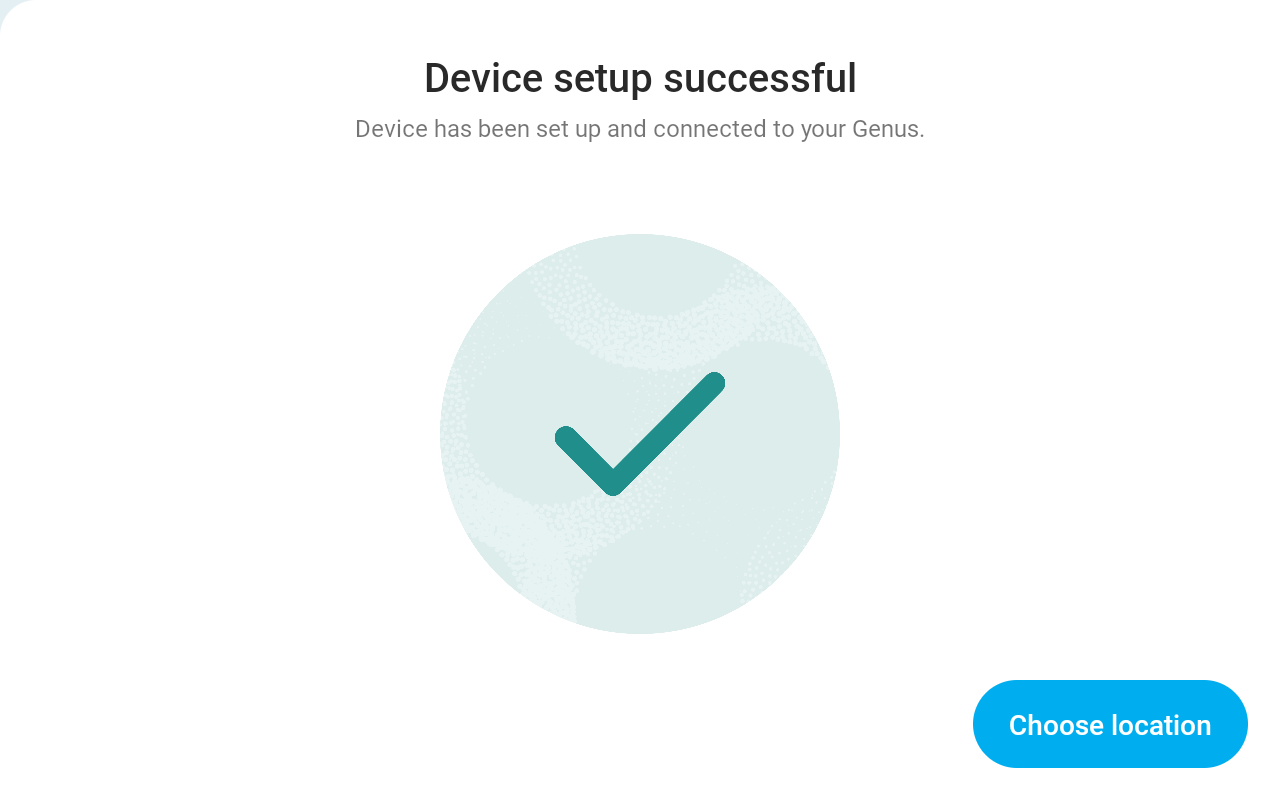
When you see Device setup successful, tap Choose room and choose the room, here the kitchen.
-
Tap Add another device to pair more, or Finish.
The wiki page on adding and testing a device covers pairing devices in general.
When the smoke detector goes off
Section titled “When the smoke detector goes off”The detector sounds its own alarm, as any smoke detector does. At the same moment Genus raises an alarm for the client.
- On the Genus, a red alarm screen appears and the Genus reads the alarm out loud, so the client hears it without looking at the screen. The client can cancel the alarm with Cancel request.
- Family members connected in the Genus app receive the alarm on their phone. Mark de Vries, Elisabeth’s son, gets it as a full-screen alarm on his Android phone.
- The care team receives the alarm in the Professional App and the Community Portal, following the client’s alarm settings, as for a press on an alarm button. If the care organisation has an alarm receiving centre, the alarm can go there too.
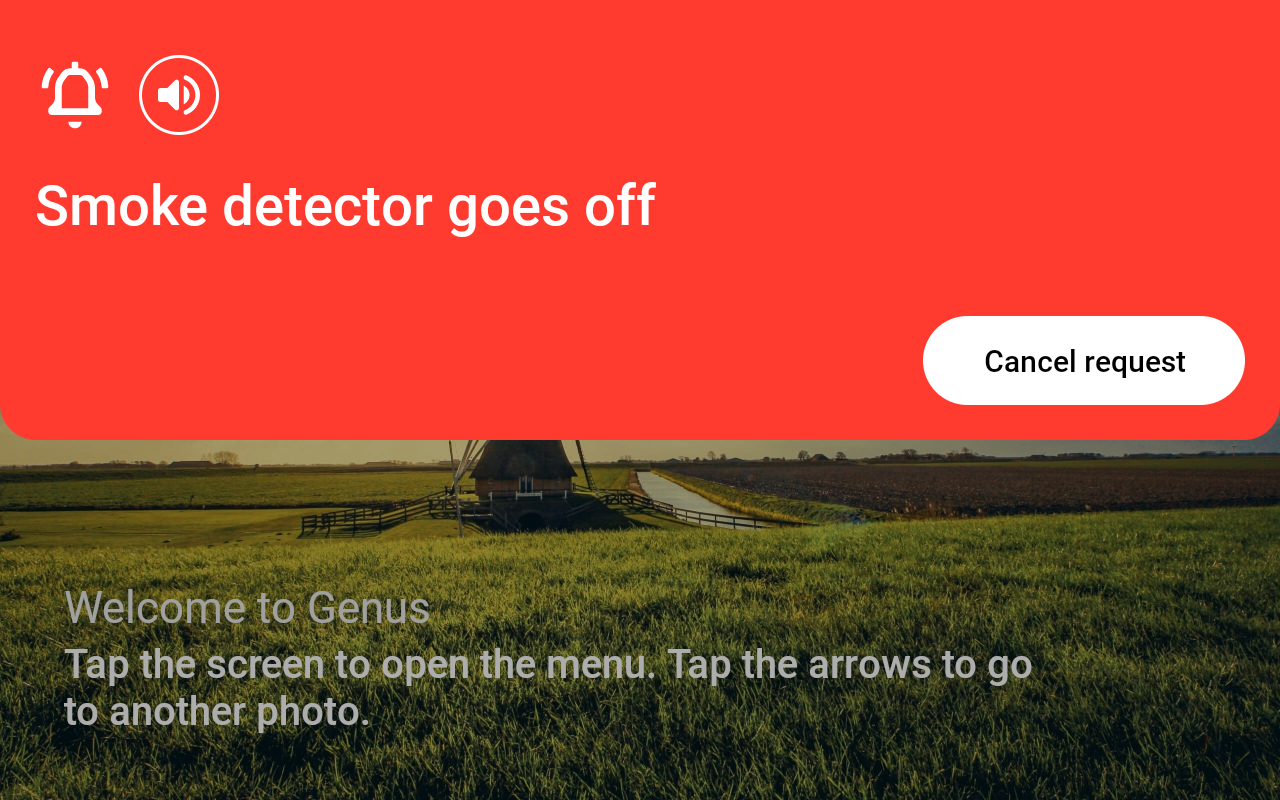
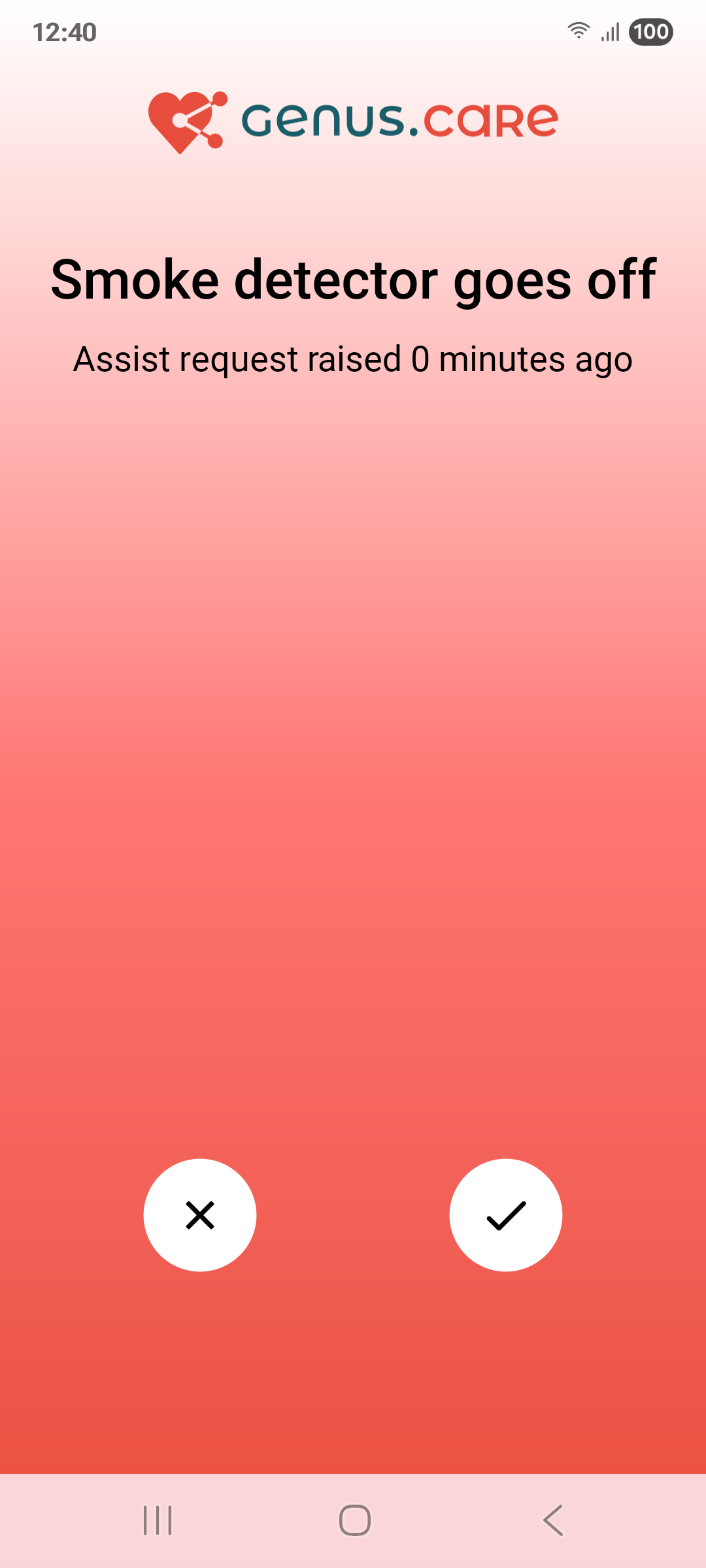
How an alarm reaches someone explains who is notified and when.
Also when the Genus is offline
Section titled “Also when the Genus is offline”The Genus is only needed to set the detector up. After that, the detector uses the home’s Wi-Fi and does not depend on the Genus.
That matters in exactly the situations where a fire is most dangerous. If the Genus is switched off, unplugged or has lost its connection, the family and the care team still receive the smoke alarm. Only the alarm on the Genus screen is missing then.
Testing the smoke detector
Section titled “Testing the smoke detector”Test the detector with its test button, as you would any smoke detector. Genus treats the test as a separate event: the Genus, the family and the care team receive a test alarm that says Smoke detector is going off, this is a test alarm.
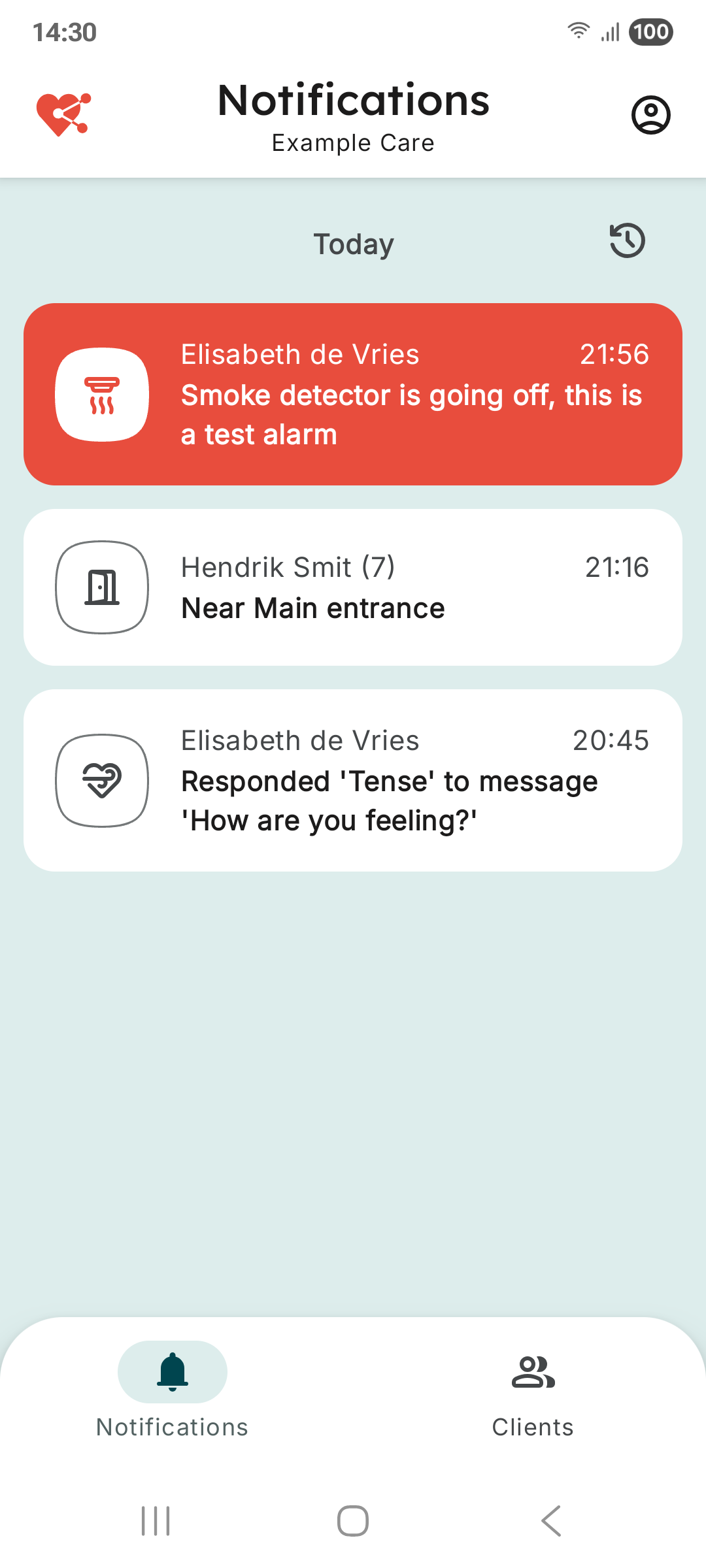
The smoke detector page in the wiki describes the detector as it works today.
Fall alarms that say they are falls
Section titled “Fall alarms that say they are falls”The Genus 4G GPS Button (GC-SOS) can detect a fall and raise an alarm by itself. Since the end of March 2026, such an alarm is named as a fall:
- The title is Fall detected, with a fall icon.
- The text reads A fall has been detected at followed by the client’s name, for example A fall has been detected at Mum for a family member who named the Genus Mum.
This shows on the Genus, in the Genus app, in the Professional App and in the Community Portal. A carer can tell at a glance whether the client pressed the button or may be lying on the floor, which changes what they bring and how fast they go.
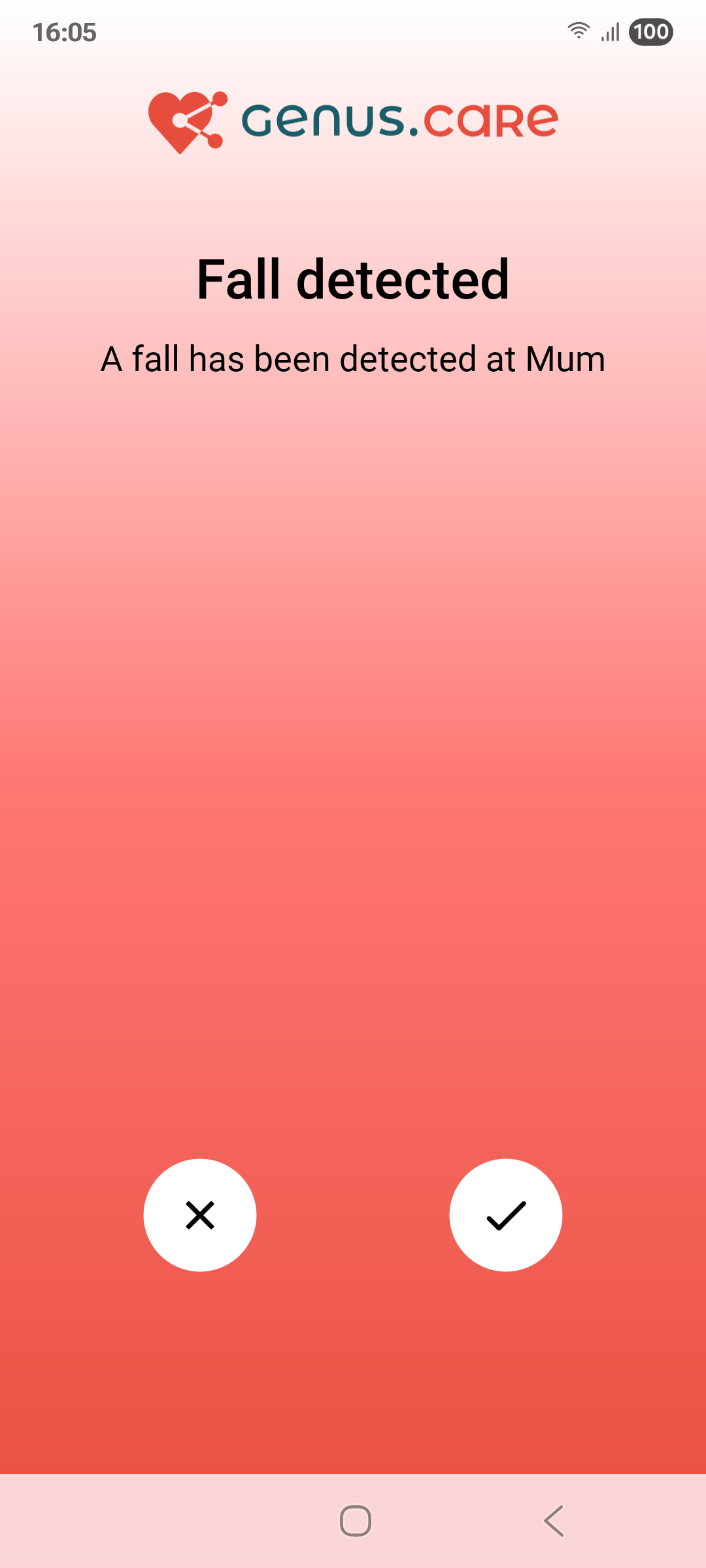
The wiki page on alarm buttons describes the Genus 4G GPS Button and its fall detection.
Availability
Section titled “Availability”- Genus 4.8.0 added smoke detector pairing in March 2026, followed a day later by Genus 4.8.2, which reports a wrong Wi-Fi password more clearly during pairing. The Genus updates automatically.
- The Community Portal updated automatically. The Genus app and the Professional App need no update to receive the smoke alarm.
- The clearer fall alarm is a change on the Genus servers. It needs no app update.
- Smoke detectors are paired with a Genus, so they are not available for Genus PAL.